WATERBROTHER

Made for your iPhone

Your next move.
From anywhere
you think.

Keep your work within reach. Coding terminals, a table of models, and your projects. Together in WATERBROTHER.

In development. A little closer to your next idea.

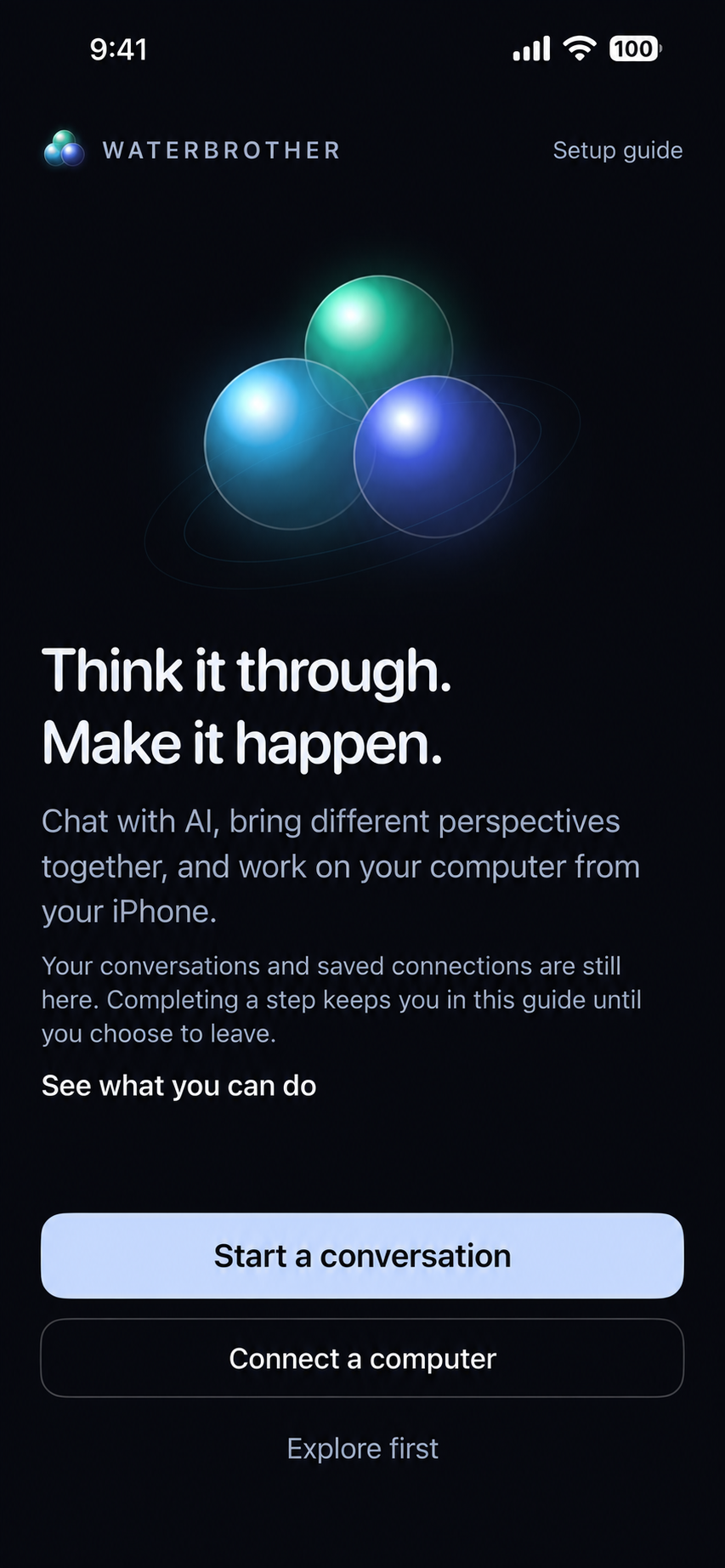
WATERBROTHER’s welcome screen: Think it through. Make it happen. Start a conversation or connect a computer.
One place to begin.Development build · Status bar retouched

A smaller screen. A wider perspective.

Stay with the idea.
Stay close to the work.

Pick up a conversation, bring in another perspective, or see what’s happening on your computer.

Computer

Your terminal.
Within reach.

Connect to your computer to work with coding agents and a real terminal. Read the output and send the next command from your phone.

How the connection works

Round Table

One question.
More perspectives.

Bring several models into the same task. Follow their progress, open individual responses, and work toward a shared answer.

Meet the table

Projects

From the code
to the page.

Bring GitHub and Vercel into your conversation. Review project work, inspect deployments, and preview websites on your iPhone.

See the workflow
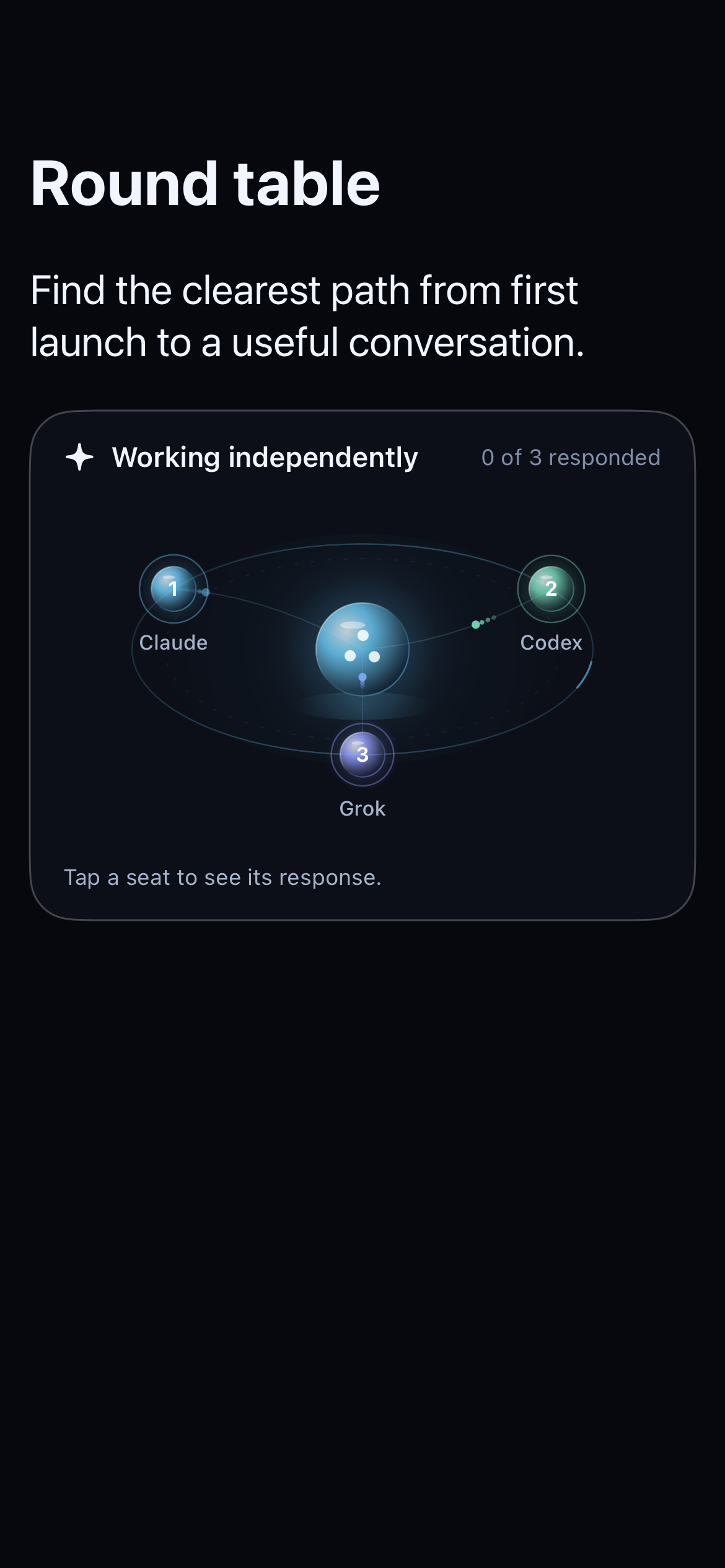
Development preview of Round table: three model seats orbit a shared task, with an option to open each response.
Round Table · Development preview

Think together

A seat for another
way of seeing it.

Give the table a task. Watch the work take shape, then tap a seat to explore what each model brings to it.

  • 01 Start with one shared question
  • 02 Follow each model’s progress
  • 03 Read the responses in context

Preview shown with a sample task. Available models and features are still being refined.

Keep the result in sight

Don’t just read
the code. See it.

Move from a conversation about a website to a preview of the page. Keep your GitHub repository and Vercel project close as you review your work.

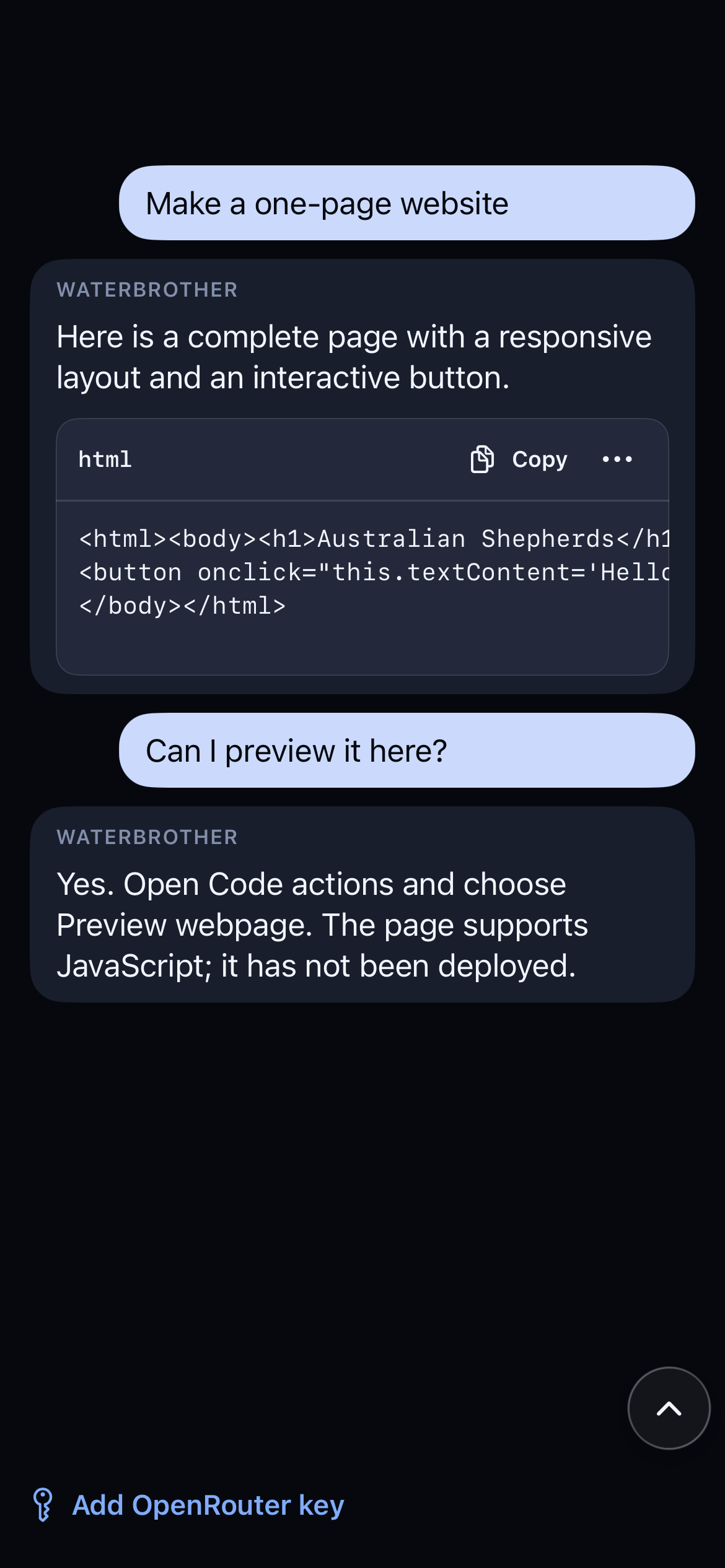
Local page previews let you look at a draft before it’s deployed.

Find your starting point
Development conversation showing website code and instructions to open Preview webpage from Code actions.
Code and preview actions · Development preview

A place to start

Your phone leads.
Your tools come with you.

  1. 01

    Open WATERBROTHER

    Start a chat or a Round Table in the iPhone app. Connect the services you want to work with.

  2. 02

    Bring your computer

    For remote terminals, run the companion on your computer and connect it in the app. Your computer needs to stay on and reachable.

  3. 03

    Keep things moving

    Check a terminal, compare model responses, or review a website draft. Choose the next step from your phone.

Looking for the terminal app? Explore WATERBROTHER CLI

A few things to know

Good questions.

Something else on your mind?
Contact support

Can I download it now?

Not yet. WATERBROTHER is coming soon to iPhone. We’ll add the official App Store link here when the app is publicly available.

Do I need a computer?

A connected computer is needed for remote coding agents and terminals. Chat and project features have their own model and service requirements; they don’t all need the computer companion.

What is Round Table?

It brings several models to a shared task, with individual responses and a view of their progress. The preview on this page shows a sample task from a development build.

What will it cost?

Launch pricing and included usage are still being finalized. We’ll publish the details before release. Connected model providers and services may have their own charges.

How is my data handled?

Data handling depends on the models and services you connect and the features you use. Read our privacy policy for details, and contact us with questions before sharing sensitive work.
WATERBROTHER for iPhone

Good work travels.

Your terminals. Your models. Your next idea.

Coming soon to iPhone

The App Store link will appear here at launch.

Get in touch